
Drawing Focus:
Why Sukha is the Best
Focus App for Designers
FOUND FIFTY REFERENCE IMAGES. STILL HAVEN'T OPENED FIGMA.
the world we live in.
moves us to emotion,
impels us to actionand implores us to care.
The irony is thatour world is designed to distract us,
to stop us from doing great work.
If you have ever said:
- • “I'm just gathering a little more inspiration before I start…”
- • “I've been tweaking this one button for two hours and haven't touched the actual layout.”
- • “Where did the afternoon go? I'll have to pick up after dinner…”
then you know the pain of distraction…
…but you also know the joy when your talents just flow.
The secret is
finding your Flow State.
Hundreds of designers
find their Flow State
with Sukha.
“A game changer! I got more done in the last 3 hours than I did all of yesterday.”
Lenny R.#1 Substack for Business 
“All the best strategies and tactics in one coherent solution. Sukha’s the last productivity app you’ll ever need…”
Niklas G.founder/CEO of Four Minute Books 
“When I’m creatively blocked, I open Sukha and find my flow again.”
Amanda P.Web designer 
“This app really gets every feature you need to focus / get in the flow in one place… and it does it very well.”
Wagner R.UI/UX designer 
“It’s been a game changer to knock out so much more deep work. Sukha’s become my most-used app.”
Jaryd H.founder of How They Grow 
“Sukha’s perfect combo of wellness, music, and community keeps my creativity flowing… and my distractions at bay.”
Britney W.Art Director 
“Sukha is the task manager I didn’t know I needed! …and tribe, and soundtrack, and motivation….”
Lacey A.Brand Designer & Strategist 
But Flow States are a myth, right?
Like the Bermuda Triangle, the Loch Ness Monster and
a good Matrix sequel…
Nope.
Your Flow State is a real thing.
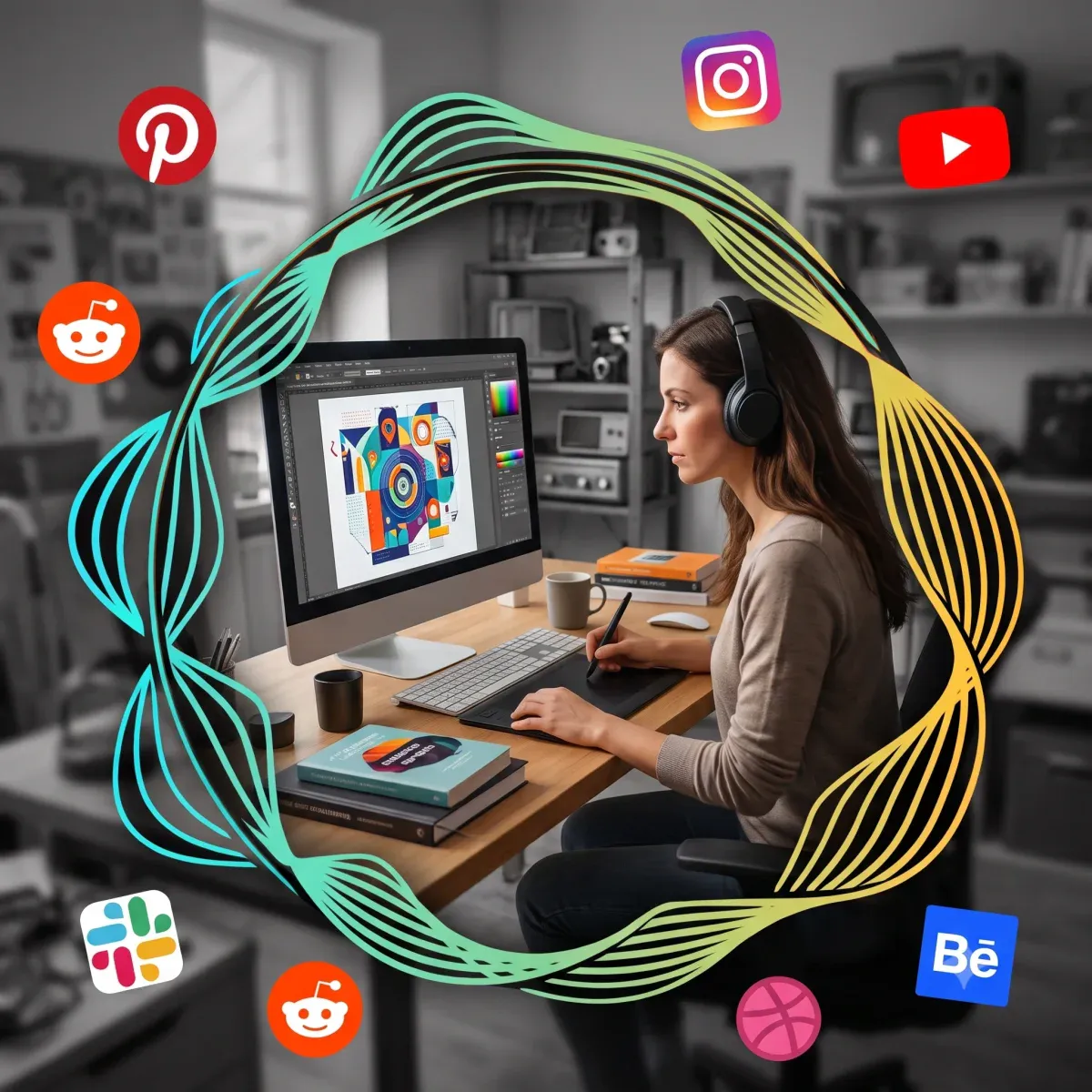
A calm, protected environmentwhere distractions fall away,your mind remains clearand the work flows…
I wrote a whole blog post about Flow States if you wanna go deep
our members finish on average 40% under their task estimates
Tony & I researched and designed Sukha from the ground up.
We didn't want to make yet another music player that claims to be a full flow state app.
We now use Sukha everyday
Sukha runs in the bg while we work, and quietly keeps us on track.
Click/tap the gold dots to learn more
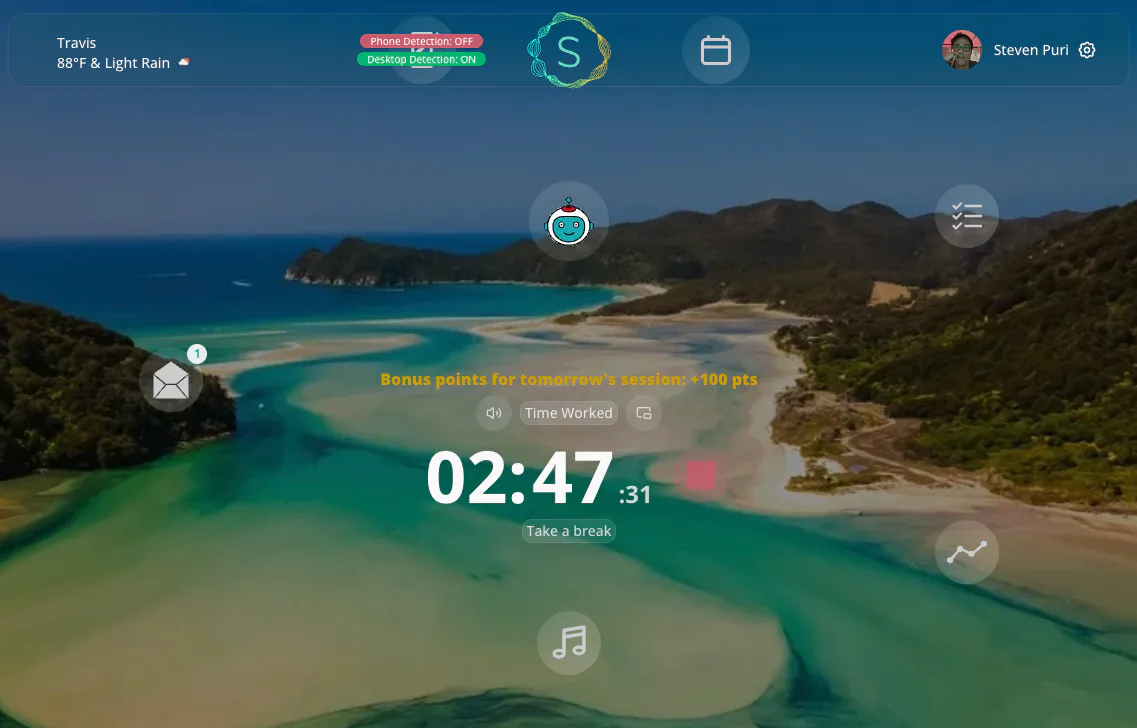
Sukha helps you into your Flow State with…
- •gentle app and website blocking on desktop AND phone
- •1000+ hrs of scientifically-designed flow music including lofi and binaural
- •Oura ring-like progress metrics
- •and more
Today AI design slop is everywhere,
and what keeps you ahead is your creativity.
The creativity that comes from going deep.
Focus is the new moat.
This is why
Sukha is the leading
flow state app for designers.
Some features you may enjoy are:

Designing to the sounds of a coffeeshop
Customizing your design sprints

Easily blocking your calendar
as you can clearly see from this webpage.However I have worked with great designers -those who designed the DreamWorks, Pepsi and Icon Entertainment logos, the main & end titles for Se7en, True Lies, Independence Day, Braveheart and countless other movie logo and one-sheets.And I have observed how they use their Flow States to pull out their greatest ideas.
When you are ready to make us cry with
the color of a brush,
or smile with
your Flow State awaits you here.
Frequently asked questions
Not that you would open Facebook during the workday. Ever.
Tony and I know the difference between browsing Awwwards for legitimate UI inspiration and accidentally spending 45 minutes looking at mid-century modern chairs on Instagram. We let you keep your design sites open; we just put a wall up between your mood board and your shopping cart.
For this reason, we made the timer editable with one click. You can change it for the current session, or make it always default to whatever you like (I do 50/10's now - perfect cadence to have a thought, but also remember to go pee).
Also - side benefit - you'll get a 5-minute warning from your SmartAssistant to let you know your break is coming and if you need more time - just one click to delay your break.
I know that finding the exact right hex-code or adjusting a drop shadow takes time. Sukha is designed to keep you gently anchored to your main task, so you don't accidentally spend four hours nudging a button two pixels to the left (does that look aligned with the h2 to you? how about now?) and forget to eat lunch.
Unlike isolated single-feature productivity tools, Sukha is a complete flow state app that runs seamlessly in the background alongside heavy design software like Figma or Adobe Creative Cloud. It serves as an operating system for your attention—handling your to-do list, music, and distraction blocking—so you can stay fully immersed in your design canvas.
We aren't trying to compete with Figma. We just want to be the quiet, highly effective bouncer standing outside your Figma file.
We keep the noise out, play excellent music, and make worklife a little more satisfying…and shall I say it? fun.
Nothing to install. Sukha runs on Mac, Windows and Chromebook, in any Chromium browser (Chrome, Edge, Arc, Brave), so it runs next to Figma rather than competing with it for room on your machine.
Blocking covers websites and apps on your computer and on your phone, so the feed you would have scrolled through mid-research pass is closed off on both, while the reference sites you actually need stay whitelisted. There is also an optional free Chrome extension if you want the blocking to reach further across your browser.